Amazon Alexa
Amazon Alexa is a cloud-based voice AI and virtual assistant developed by Amazon that allows users to interact with devices using voice commands for tasks like playing music, controlling smart homes, getting news, setting alarms, and shopping. It powers devices like Amazon Echo speakers and displays, and can be accessed through apps and other compatible products, using natural language processing to understand requests and perform actions or provide information.
As a senior user experience designer for Amazon Alexa Skills Kit, I was responsible for designing the developer experience for Skill Builders to create skills using Alexa Conversations – an AI-driven, deep-learning approach to dialog management that enables more natural, human-like, two-way, and multi-turn voice interactions. Instead of relying on hard-coded paths, it allows users to speak in unconstrained ways, handles context switching, and maintains memory over long conversations.
What were we trying to solve?
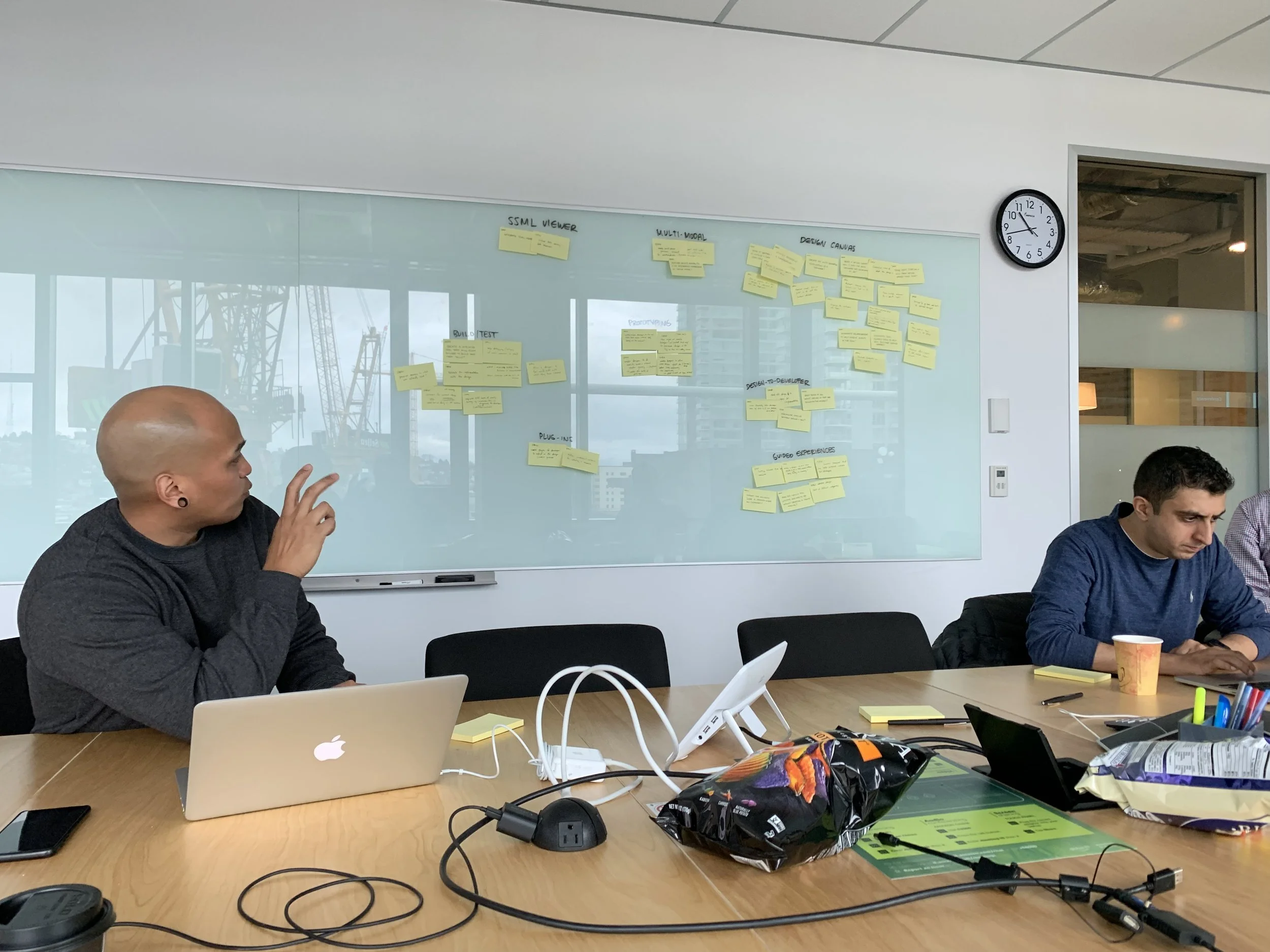
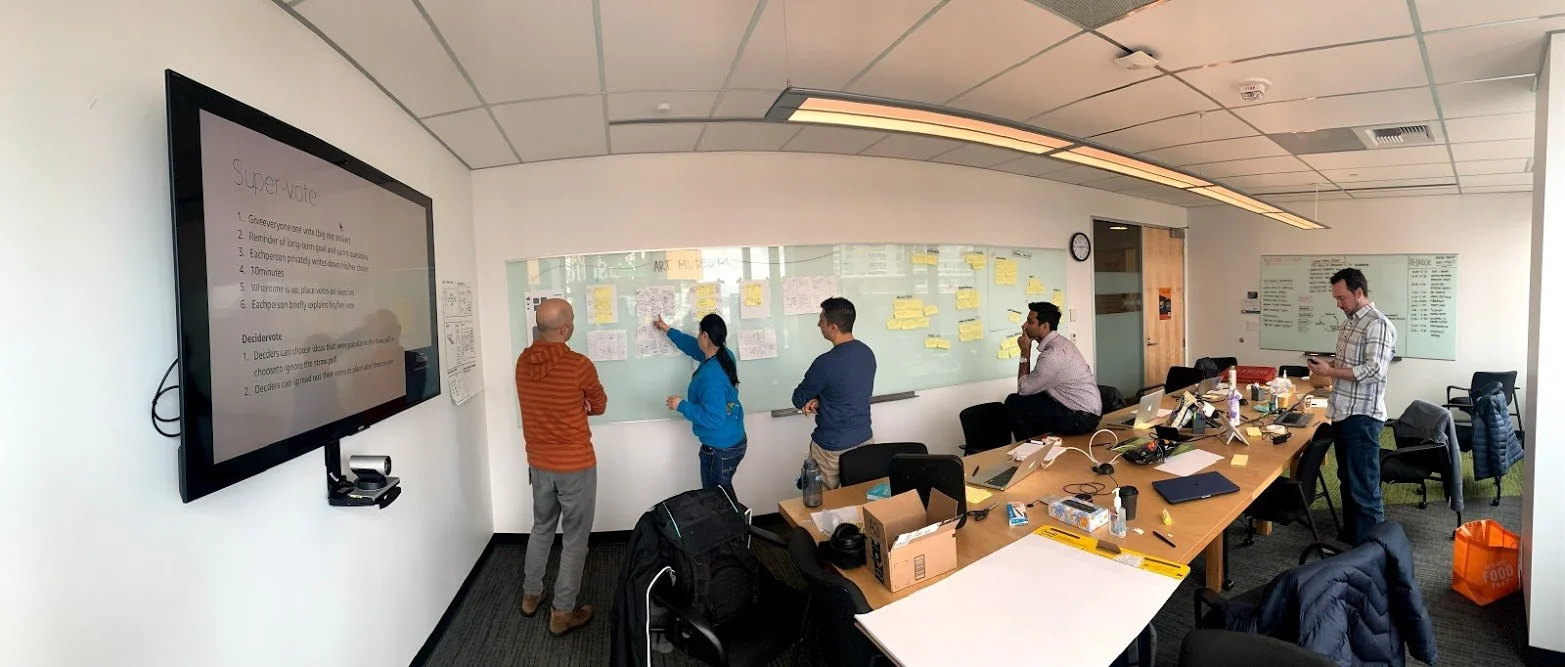
I facilitated a Design Sprint to help partner teams quickly align, reduce risk, and validate ideas by moving from problem to tested prototype in a short, focused timeframe. By prototyping and testing early with real users, internal teams were able to gain clarity, make informed decisions faster, and avoid investing in solutions that don’t work.
Alexa Skills Developer Personas
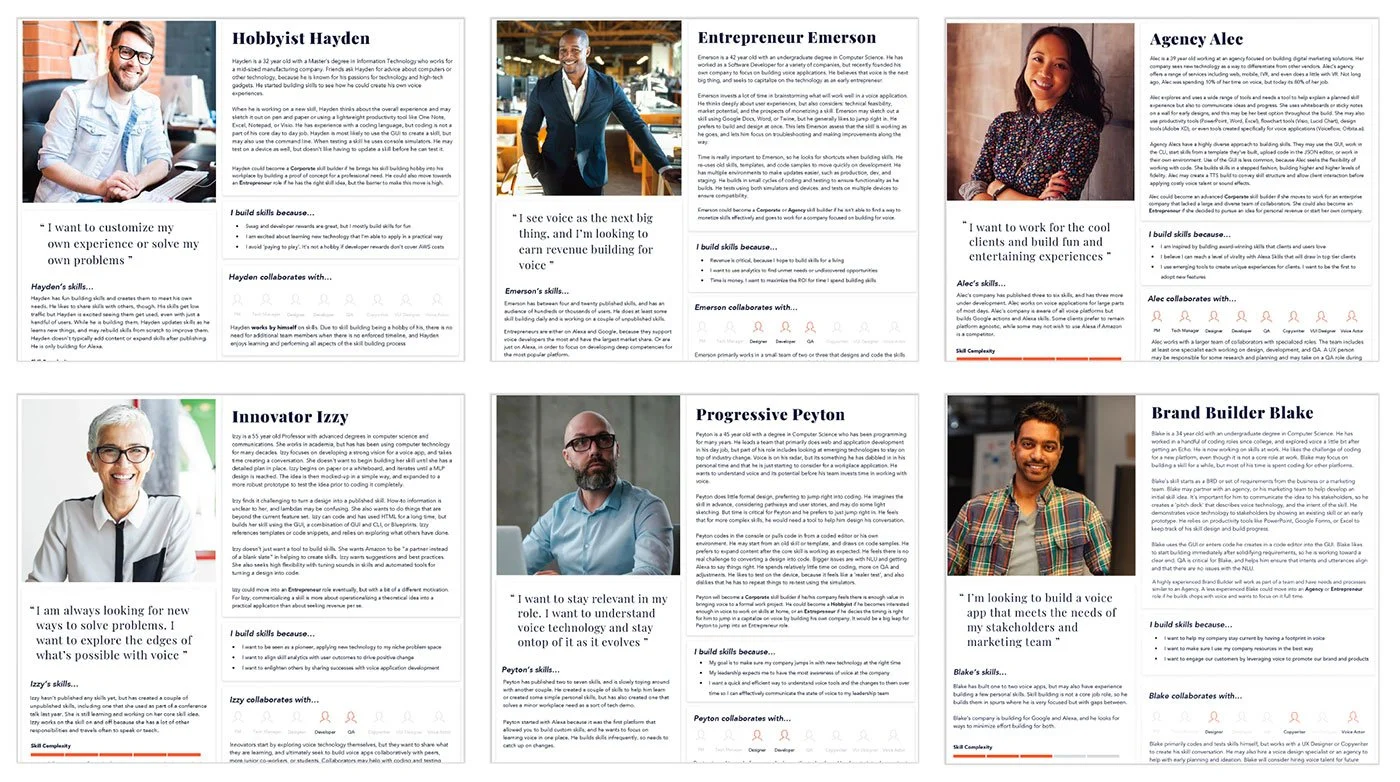
These developer personas were derived from various interviews with real skill builders. These research-based representations of key developer types helped cross-functional teams design experiences around real goals, behaviors, and constraints.
In the Alexa Developer Console, different developer personas—such as a first-time hobbyist, an enterprise product team, or a professional agency developer—need distinctly different experiences.
For example, a first-time developer benefits from guided setup, templates, and plain-language prompts, while an experienced team needs fast access to APIs, account linking, analytics, and testing tools. These personas ensured the Alexa Developer Console surfaced the right workflows, terminology, and defaults for each group instead of forcing everyone through the same path.
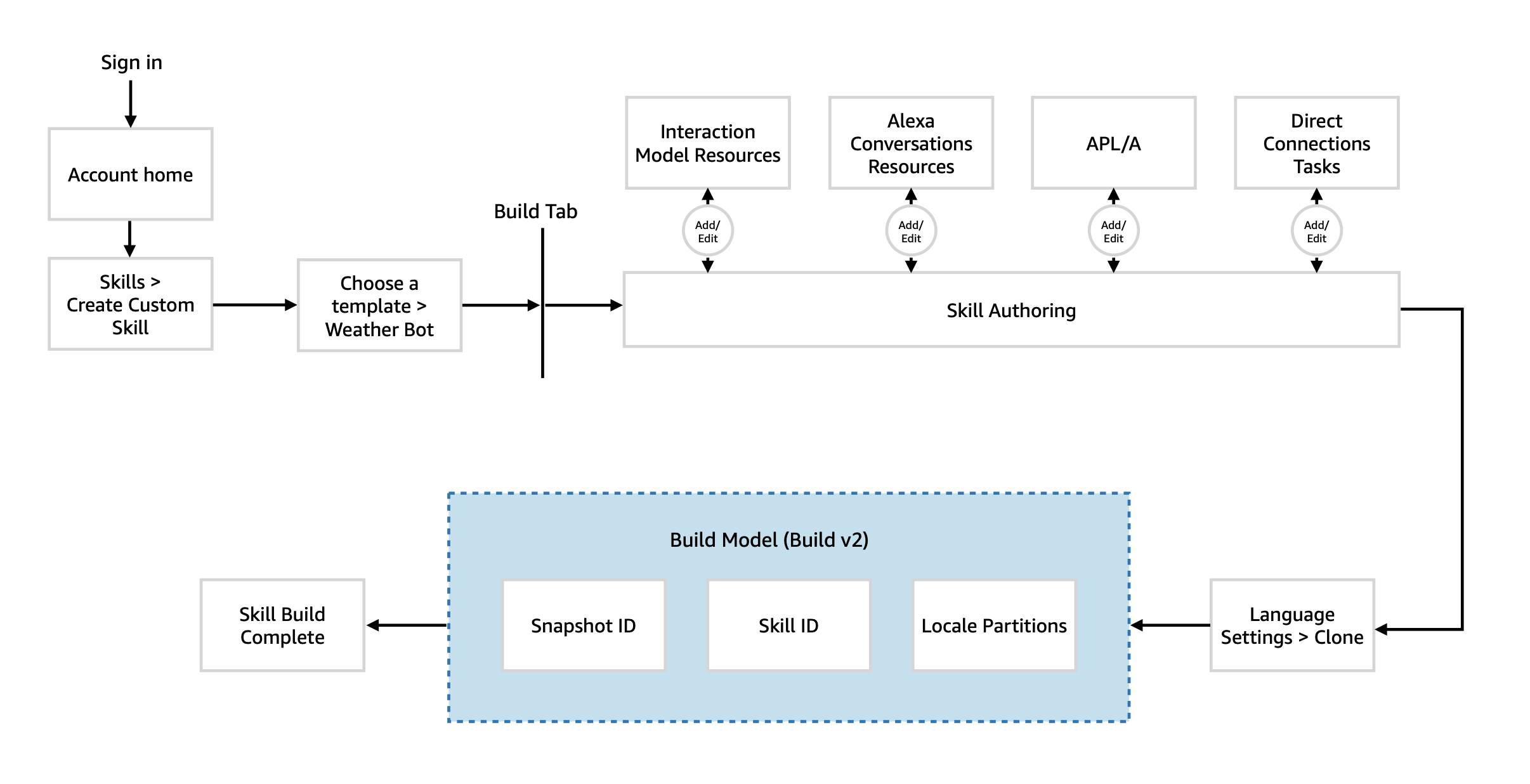
User Flow
This high-level user flow highlights the typical entry, skill building activities, and publishing that an intermediate developer takes when creating a new Alexa Skill.
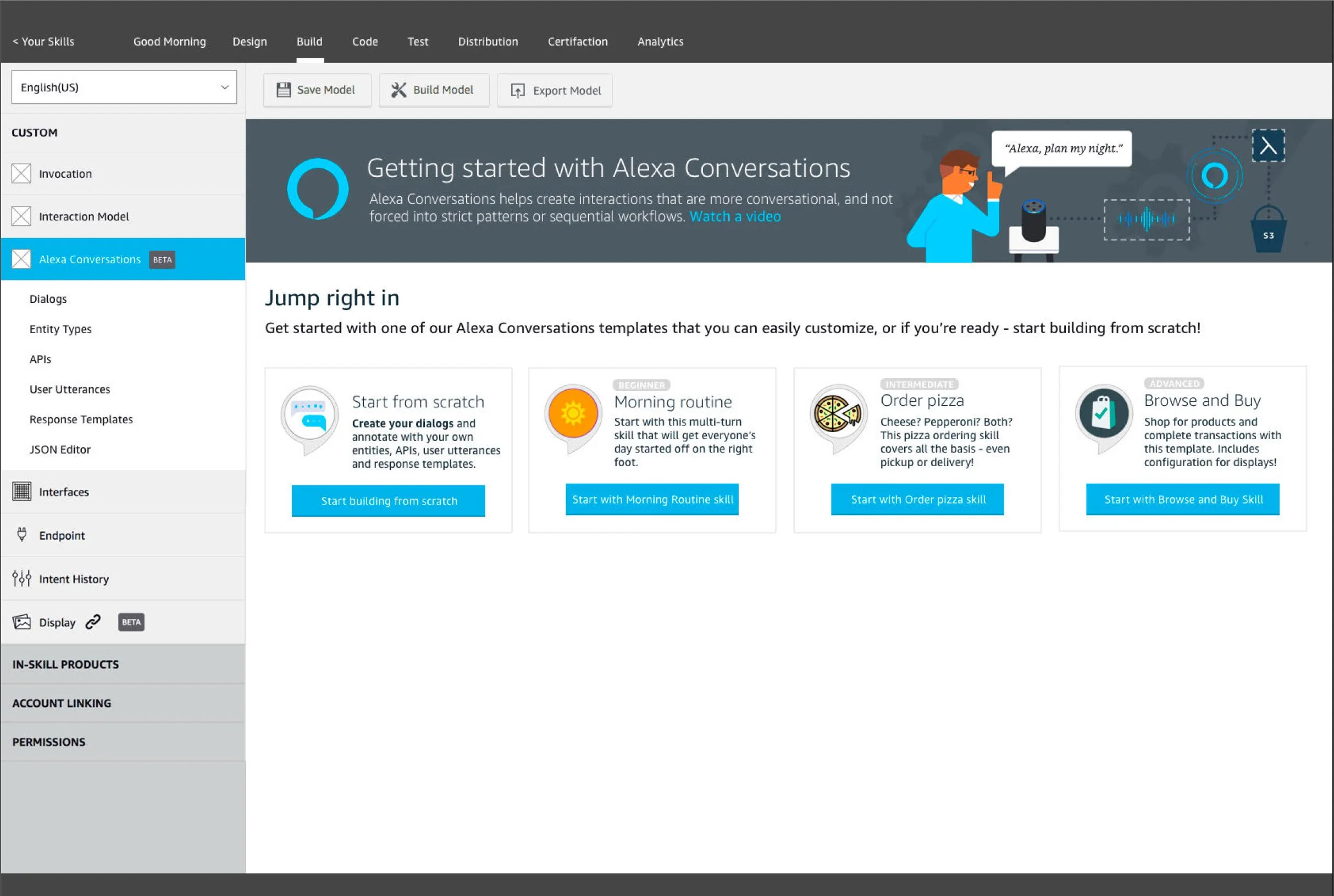
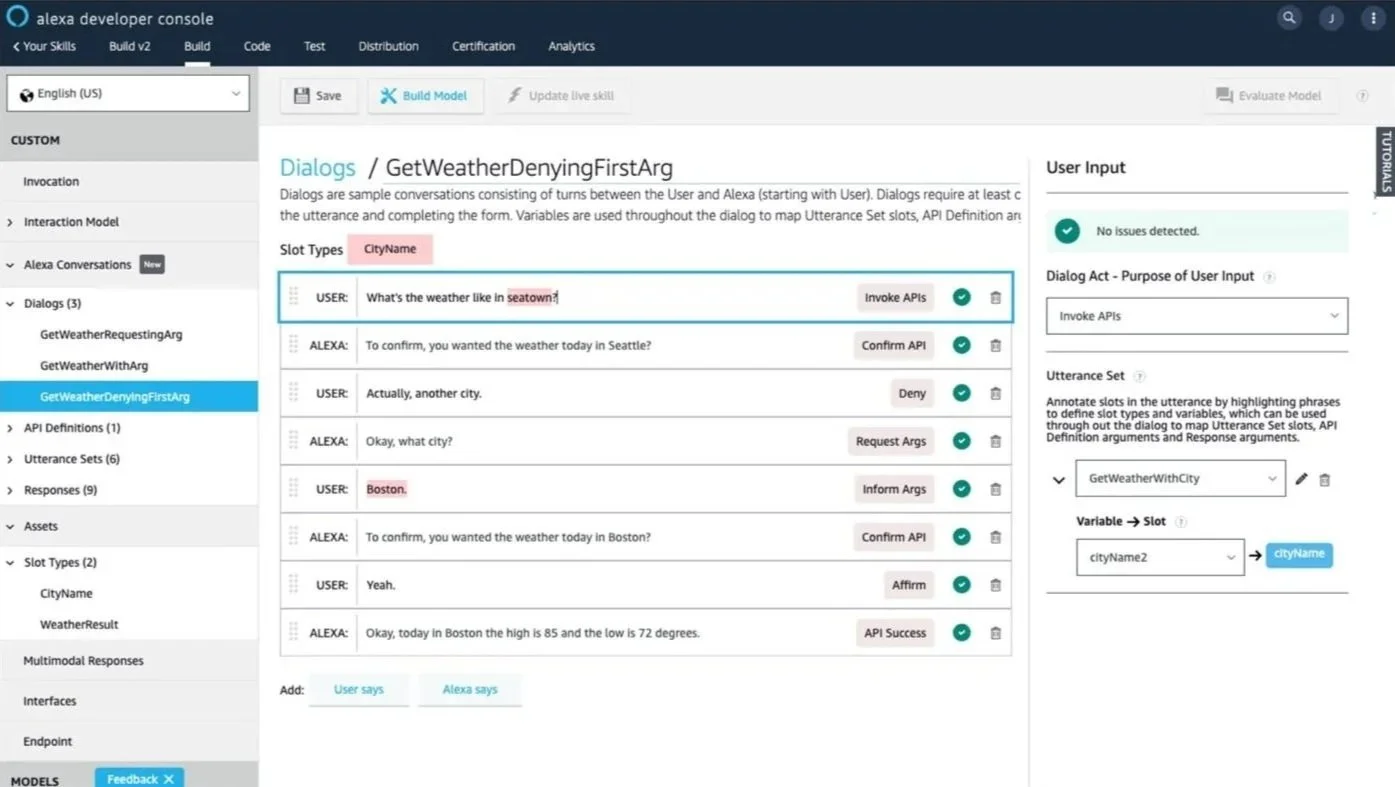
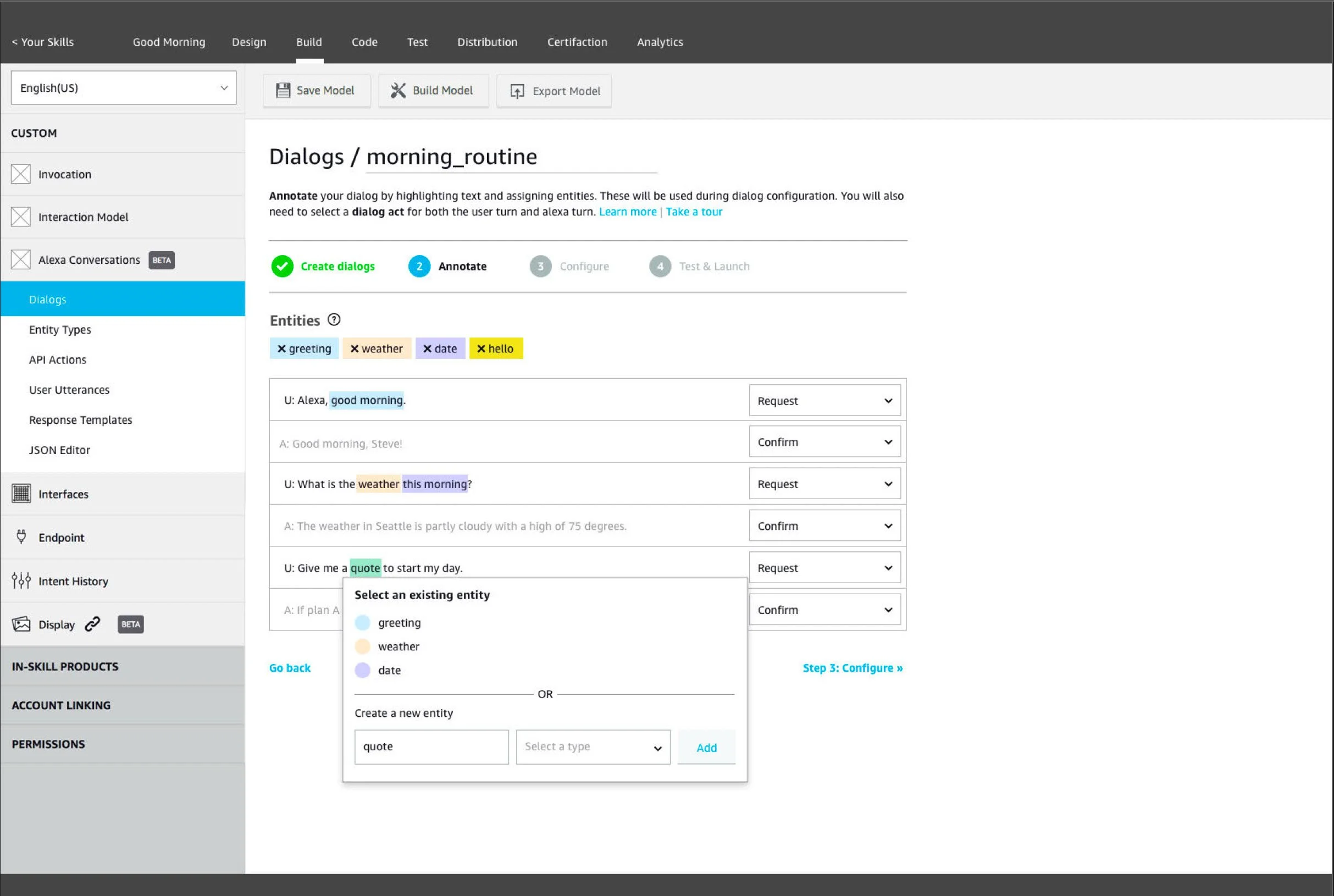
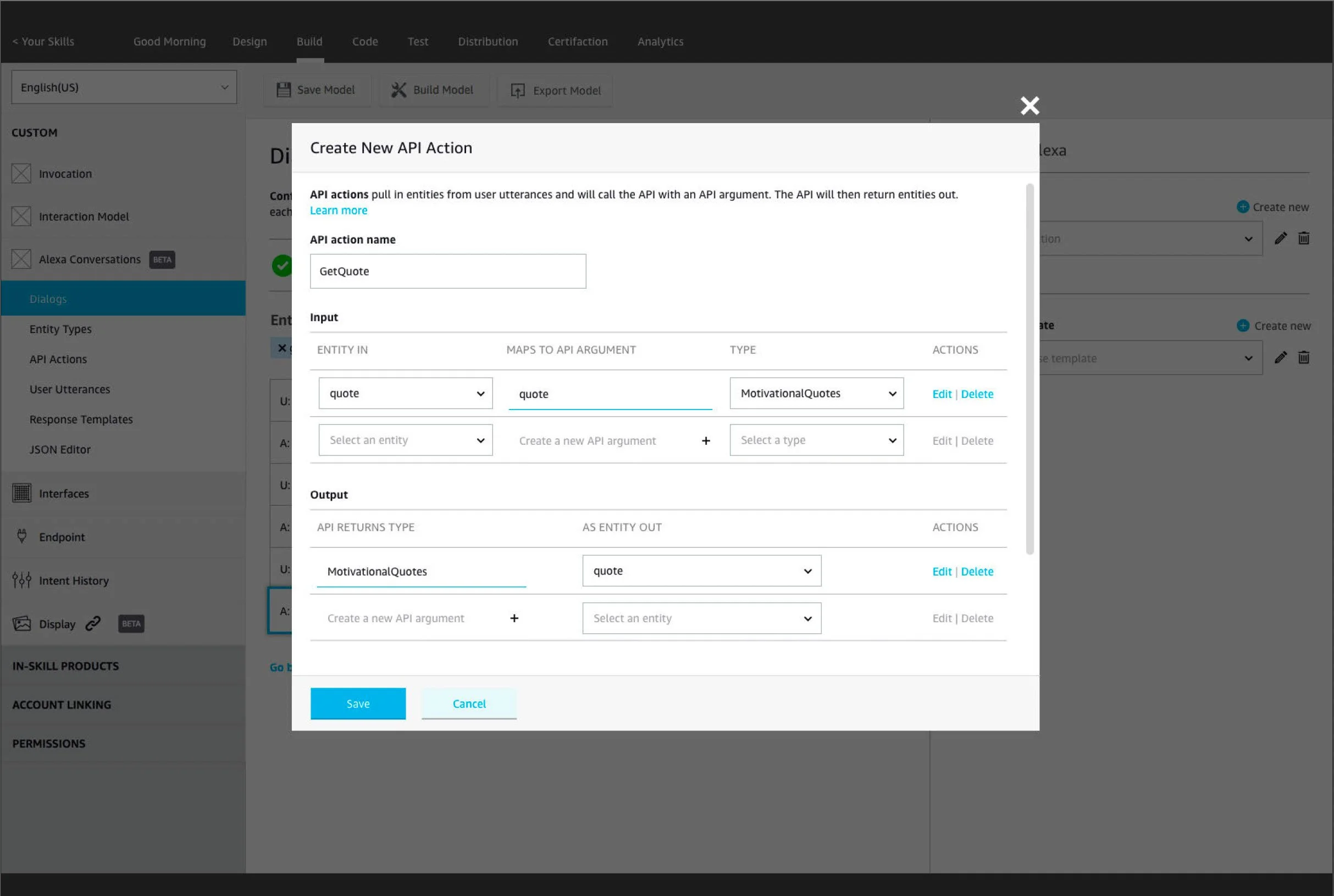
Alexa Developer Console
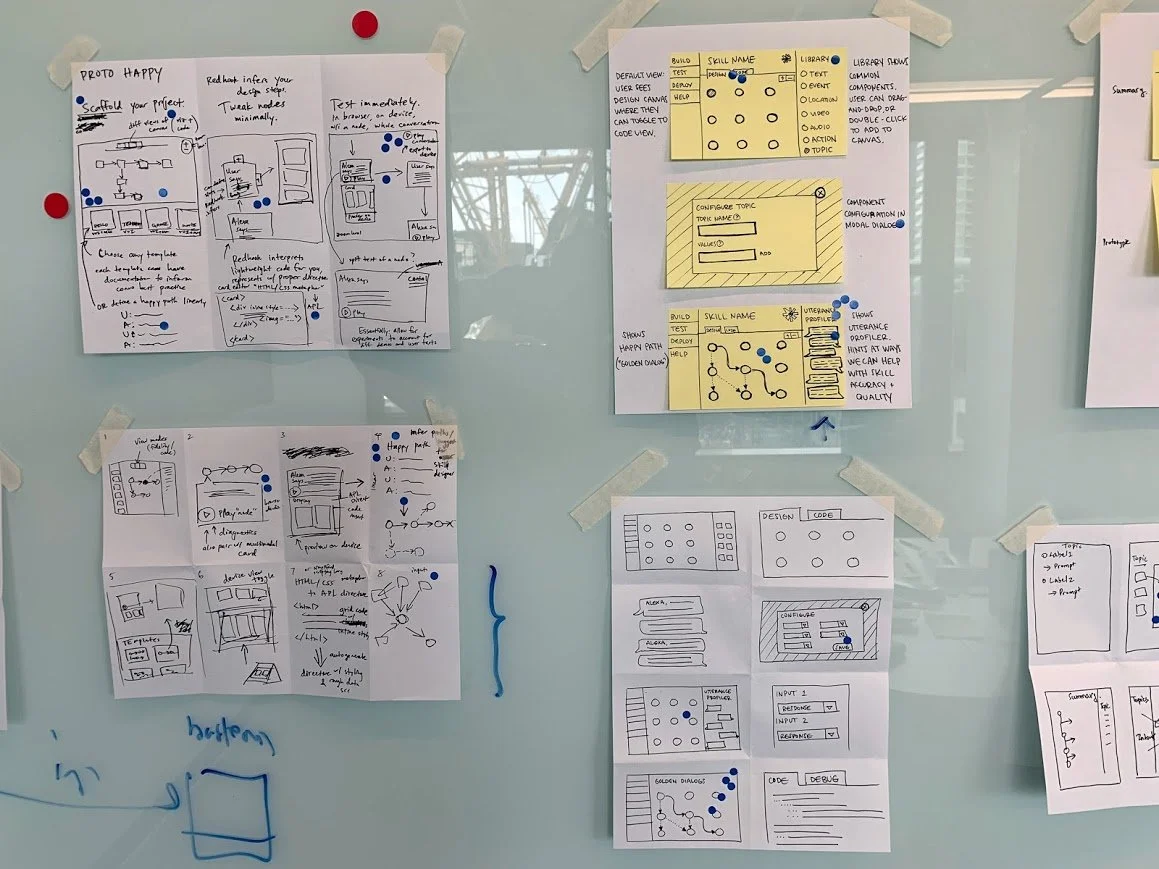
These early mockups explore a dialog-first approach to configuring user-spoken dialog, which a skill developer can easily scaffold their skill by annotating dialog acts, utterance sets, intents, and slots. These “sample dialogs” would then be used to train the skill models.